
How to use it
- 1
Import MIDI File or Create New Project
Drag and drop any .mid or .midi file into the workspace, click from our Chord Generator, or start a clean multitrack project.
- 2
Edit Notes, Velocity & CC Automation
Use pencil and select tools to draw notes on the piano roll grid, quantize rhythm, adjust velocity (1–127), and shape pitch bend or pan.
- 3
Audition with SoundFonts & Export
Play through built-in 128 General MIDI instruments or connect a USB MIDI keyboard, then export standard .mid or rendered audio files.
WHAT IT DOES
Everything this tool gives you
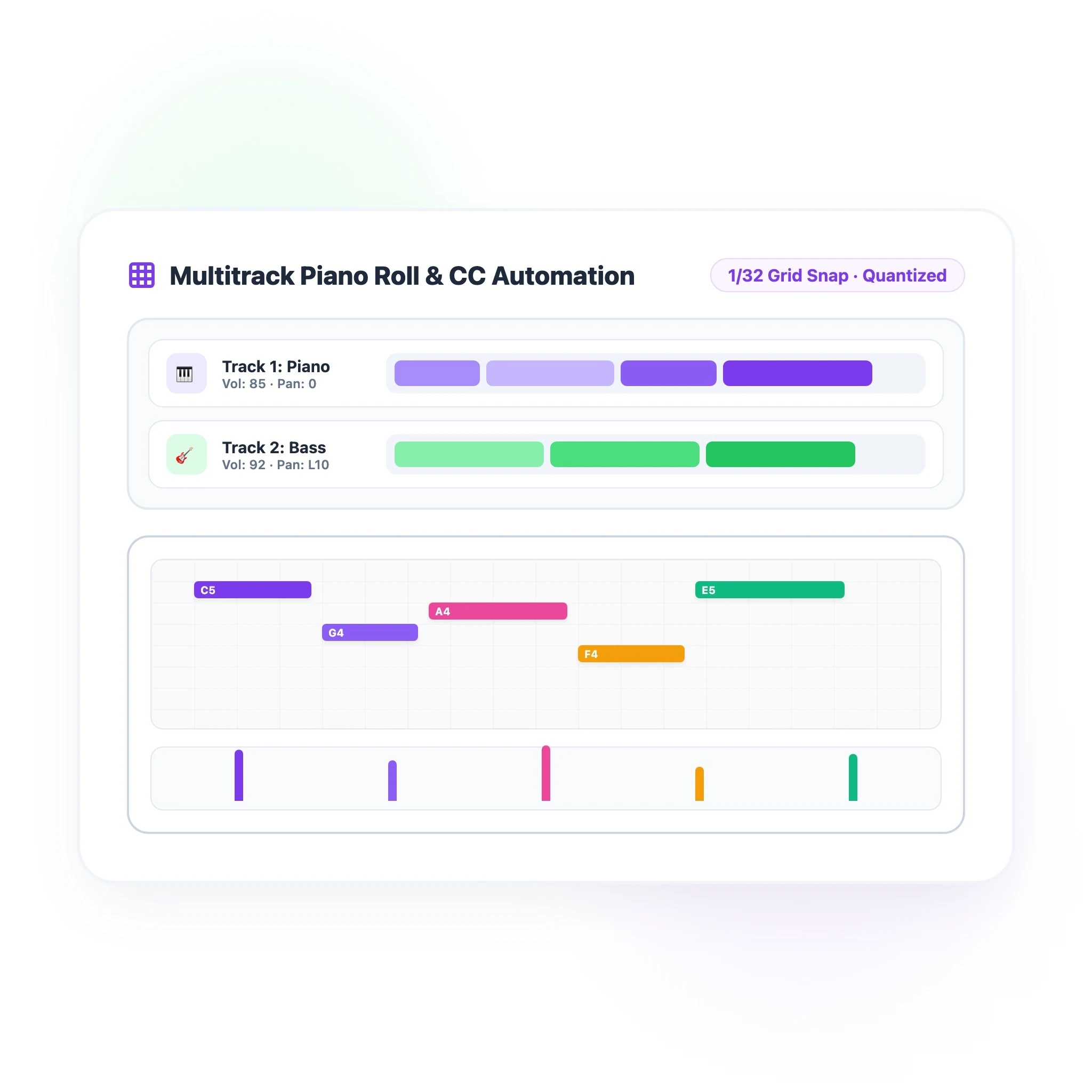
Full-Featured Multitrack Piano Roll & CC Controller Lanes
Experience desktop-class MIDI sequencing entirely in your web browser. Arrange unlimited tracks, snap notes to musical grids (1/4 to 1/32 notes), and fine-tune expression with dedicated Velocity, Pitch Bend, Volume, Pan, and Modulation controller lanes.
- Intuitive piano roll grid with note resize, split, duplicate, and transpose
- Dedicated CC controller lanes for dynamic velocity and expression shaping
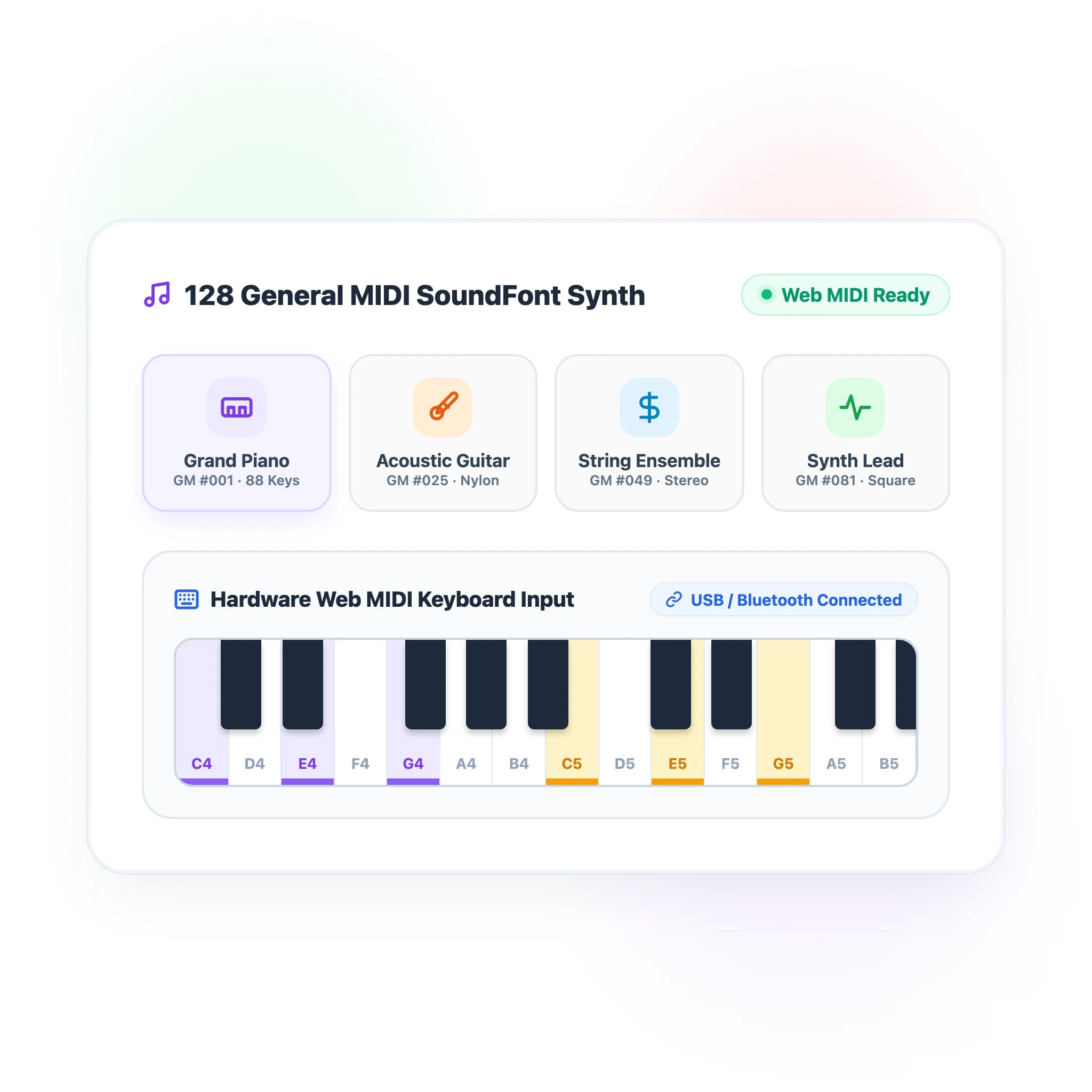
Built-in 128 General MIDI SoundFont Synth & Web MIDI Support
Audition your tracks with rich acoustic fidelity without installing external sound libraries. Access 128 General MIDI instruments from Grand Piano to Electric Bass, and plug in USB or Bluetooth MIDI keyboards for real-time expressive recording.
- Zero-latency Web Audio SoundFont engine covering 128 standard GM instruments
- Plug-and-play Web MIDI API support for external hardware keyboard controllers
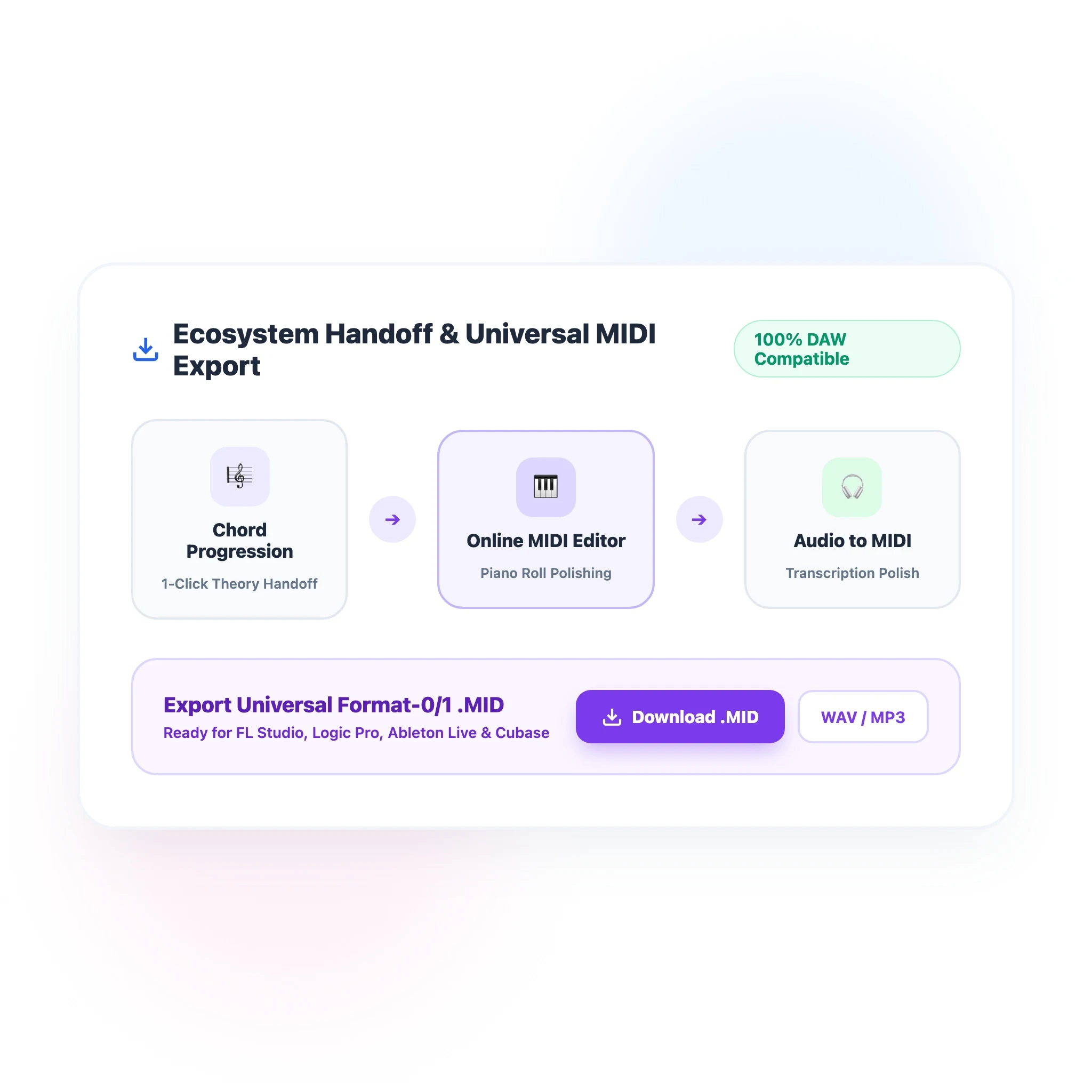
Seamless Tool Ecosystem Handoff & Lossless Export
Create a connected production workflow. Receive chords directly from our Chord Progression Generator and transcribed notes from Audio to MIDI, then export universal Format-0/1 .mid files or render directly into high-quality audio.
- One-click direct handoff from Chord Progression Generator and Audio to MIDI
- Universal Standard MIDI File export compatible with FL Studio, Ableton, and Logic
Melody & Chord Progression Polishing
Take chords generated from music theory and sketch catchy vocal top-lines, basslines, and arpeggios on the piano roll.
Precision Melody Writing
Quick MIDI File Tweaking On-The-Go
Fix wrong notes, change tempo, transpose keys, or quantize timing on any .mid file without opening heavy 20GB desktop DAWs.
Instant Zero-Install Fixes
Hardware MIDI Keyboard Recording
Plug in any USB or Bluetooth MIDI keyboard to record piano performances with real-time velocity capture and GM synth playback.
Plug & Play Web MIDI
Audio Transcription Sequencing
Receive polyphonic transcription from our Audio-to-MIDI tool and correct octave shifts, split voices, and refine note durations.
Polyphonic Transcription Polish
100% Free & In-Browser
Zero credits, no software installations, and no subscriptions. Start a full-featured multitrack MIDI session instantly.
Desktop-Grade Piano Roll
Experience precision sequencing with note quantization, velocity sliders, tempo markers, and rich CC automation curves.
128 GM SoundFonts & Web MIDI
Audition tracks with realistic General MIDI instruments and record expressive performances using external USB keyboards.
Universal DAW Compatibility
Export standard Format-0 and Format-1 .mid files that drop effortlessly into FL Studio, Ableton Live, Logic Pro, and Cubase.
Yes. The MIDI editor is 100% free with zero credit consumption. You can create unlimited tracks, edit notes, audition with built-in soundfonts, and export MIDI files without any paid account or subscription.
KEEP GOING
Related tools
Take a generated song straight into the next step — lyrics, stems, length or vocals.
- Free Chord Progression GeneratorCreate inspiring chord progressions based on music theory in seconds. Audition with built-in synths, edit in our online MIDI editor, and export to any DAW.
- Audio to MIDI ConverterTranscribe voice memos, humming, and instrument recordings into playable MIDI notes — 100% free in your browser with on-device AI, zero uploads, and no sign-up.
- Chord MakerBuild custom chords and voicings across 12 keys and 10 music genres. Audition with on-device Web Audio instruments and export MIDI files instantly.
- Online Video to Audio ConverterExtract pristine 320kbps MP3 and lossless WAV audio from any video in seconds. 100% private, free, and processed directly in your browser with no file size limits.
Turn your next idea into a song
Go back to the generator above and describe what you want to hear. Free to start, no production experience needed.