
How to use it
- 1
Select Key & Mode
Choose any of the 12 musical keys and set Major or Minor tonality to define root harmonic scales.
- 2
Pick Style & Voicings
Select from 10 genre styles (Pop, Jazz, R&B, EDM, Lo-Fi) and shuffle chord extensions and voice leadings.
- 3
Audition & Export MIDI
Play chords with built-in piano, Rhodes, guitar, or synth engines, then export a standard .mid file.
WHAT IT DOES
Everything this tool gives you
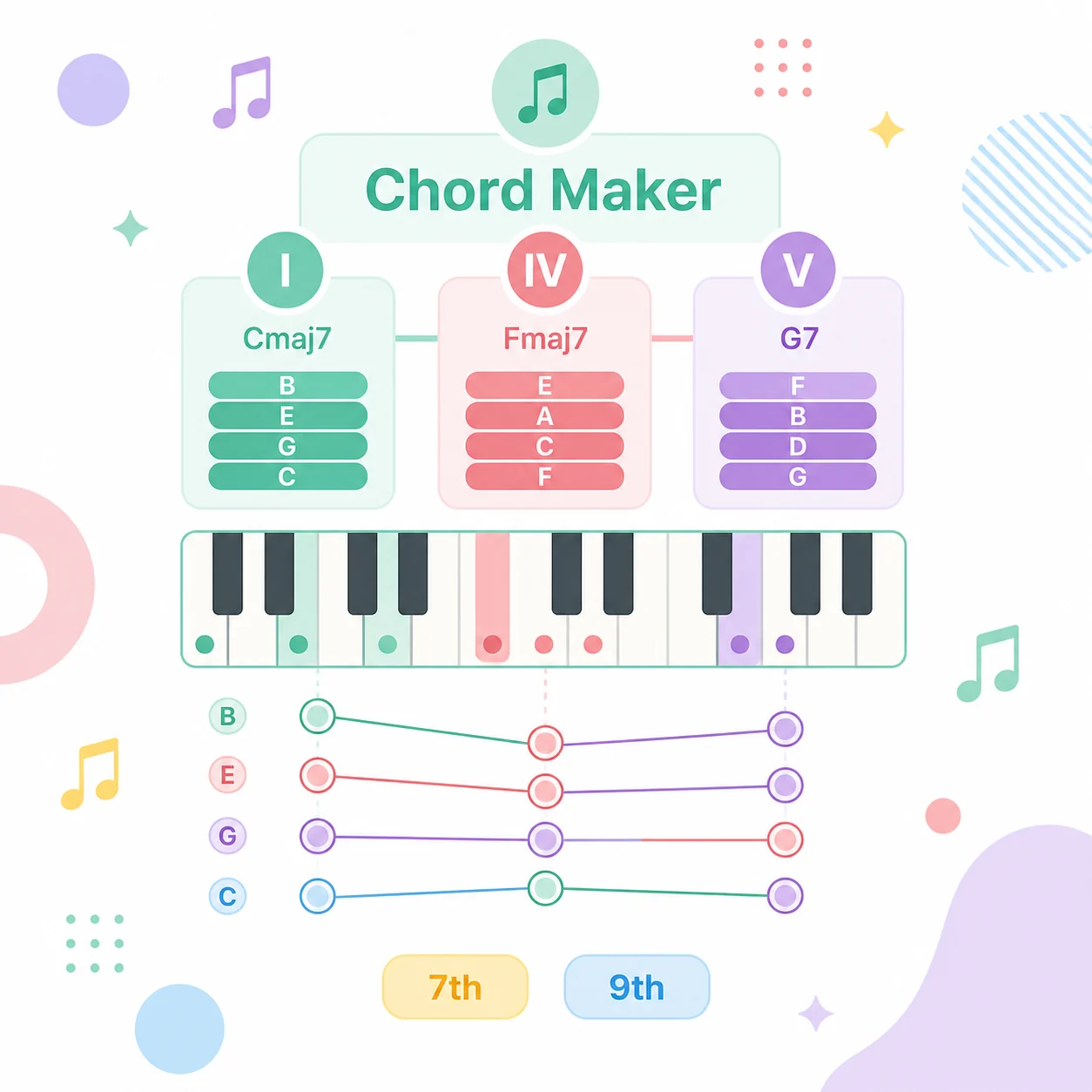
Music Theory Chord Voicings & Degree Mapping
Construct harmonious chords without memorizing complex music theory. The chord maker calculates scale degrees, applies proper interval formulas, and transposes voicings across all 12 keys automatically.
- Automatic scale degree transposition across all major and minor keys
- Clear lead sheet chord naming with 7th, 9th, and suspended chord extensions

Real-Time Soundfont Audition with Multi-Instruments
Hear your chord combinations the exact millisecond you build them. Our zero-latency Web Audio engine plays notes through sampled grand pianos, lush Rhodes electric pianos, acoustic guitars, and warm synths.
- Instant playback with real-time active note highlighting on visual chord pads
- Toggle between Grand Piano, Rhodes, Acoustic Guitar, and Analog Synth soundfonts
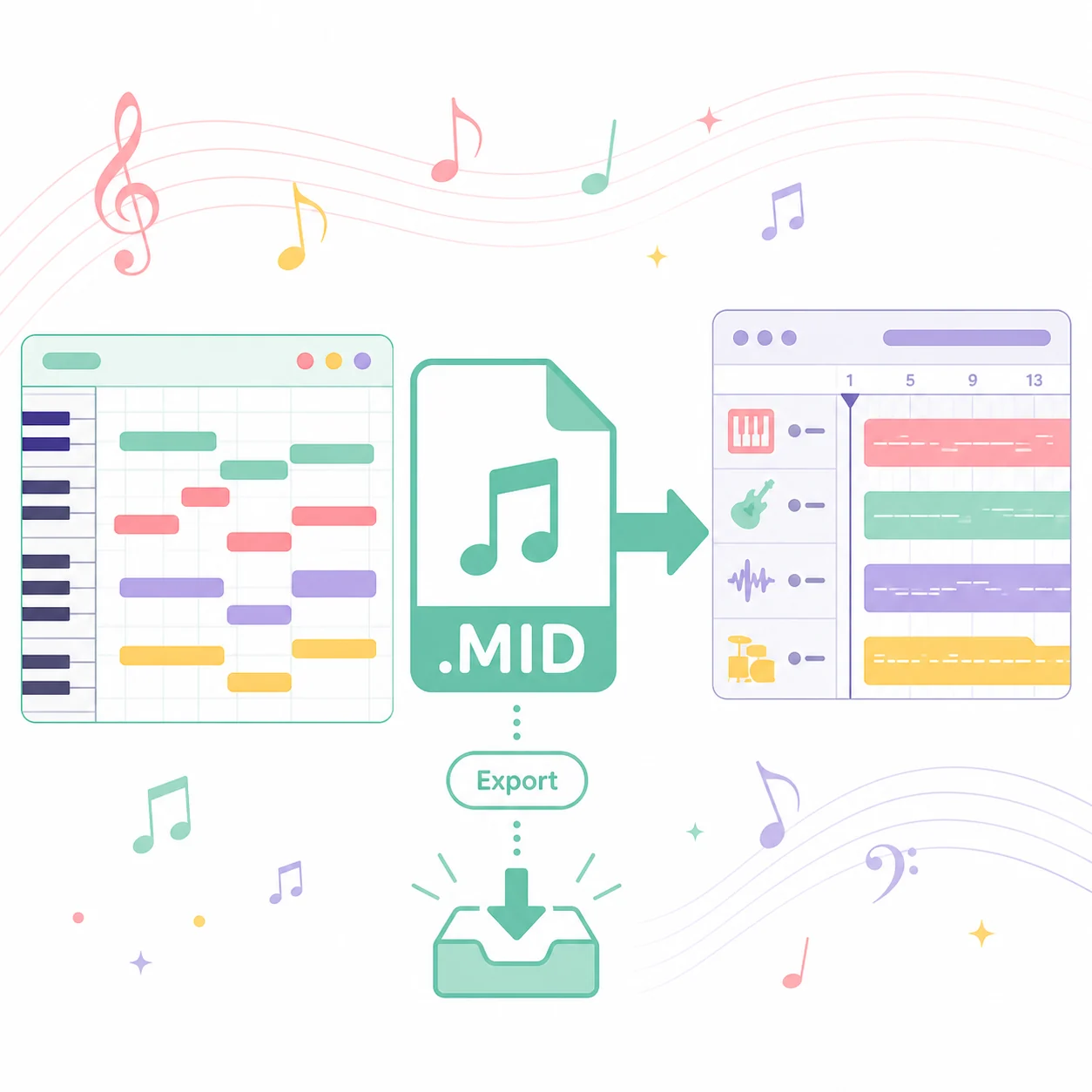
DAW-Ready Standard MIDI Drag & Drop Export
Bridge the gap between browser inspiration and your digital audio workstation. Export standard Type 0/1 MIDI files containing exact note pitches, velocities, and bar durations for immediate DAW arrangement.
- Export standard .mid files compatible with Ableton Live, FL Studio, Logic Pro, and Cubase
- 100% on-device MIDI encoding with zero server uploads and offline reliability
Songwriters & Composers
Break creative writer block by generating rich harmonic chord beds to support vocal top-lines.
Harmonic Bed Construction
Beatmakers & Producers
Craft lush jazz, R&B, or lo-fi chord progressions with advanced 7th and 9th chord voicings.
Advanced Extended Chords
Music Students & Beginners
Learn how scale degrees and Roman numerals translate into real piano chords and fingerings.
Visual Theory Learning
Keyboardists & Performers
Quickly preview chord substitutions and inversions before heading into acoustic rehearsals.
Instant Voicing Audition
10 Genre Styles
Tailored chord palettes for Pop, Jazz, R&B, Lo-Fi, EDM, Gospel, and more.
Multi-Instrument
Audition chords across Grand Piano, Rhodes, Guitar, and Synth patches.
Instant MIDI Export
Download standard .mid files directly into your favorite DAW project.
100% Client-Side
Runs completely offline in browser memory with zero server uploads.
Chord Maker is an interactive harmony builder that creates chord combinations based on your selected musical key, mode, and genre style. It allows you to audition voicings with built-in instruments and export standard MIDI files directly to your DAW.
KEEP GOING
Related tools
Take a generated song straight into the next step — lyrics, stems, length or vocals.
- Free Chord Progression GeneratorCreate inspiring chord progressions based on music theory in seconds. Audition with built-in synths, edit in our online MIDI editor, and export to any DAW.
- Free Online MIDI EditorProfessional in-browser multitrack piano roll. Compose melodies, edit velocity and CC automation, audition with built-in SoundFonts, and export lossless MIDI.
- Audio to MIDI ConverterTranscribe voice memos, humming, and instrument recordings into playable MIDI notes — 100% free in your browser with on-device AI, zero uploads, and no sign-up.
- Online Video to Audio ConverterExtract pristine 320kbps MP3 and lossless WAV audio from any video in seconds. 100% private, free, and processed directly in your browser with no file size limits.
Turn your next idea into a song
Go back to the generator above and describe what you want to hear. Free to start, no production experience needed.