
How to use it
How Musiclly Lyrics Studio Works
- 1
Describe your songwriting idea
Type a prompt with your theme, mood, story, or genre — a rough line is enough to start.
- 2
Select models and generate side by side
Choose 1 to 6 panels with different AI models to produce diverse lyrical drafts simultaneously.
- 3
Compare drafts and make music
Pick your favorite lyric version and send it directly to the AI Music Generator to create a full song.
WHAT IT DOES
Everything the lyrics studio gives you
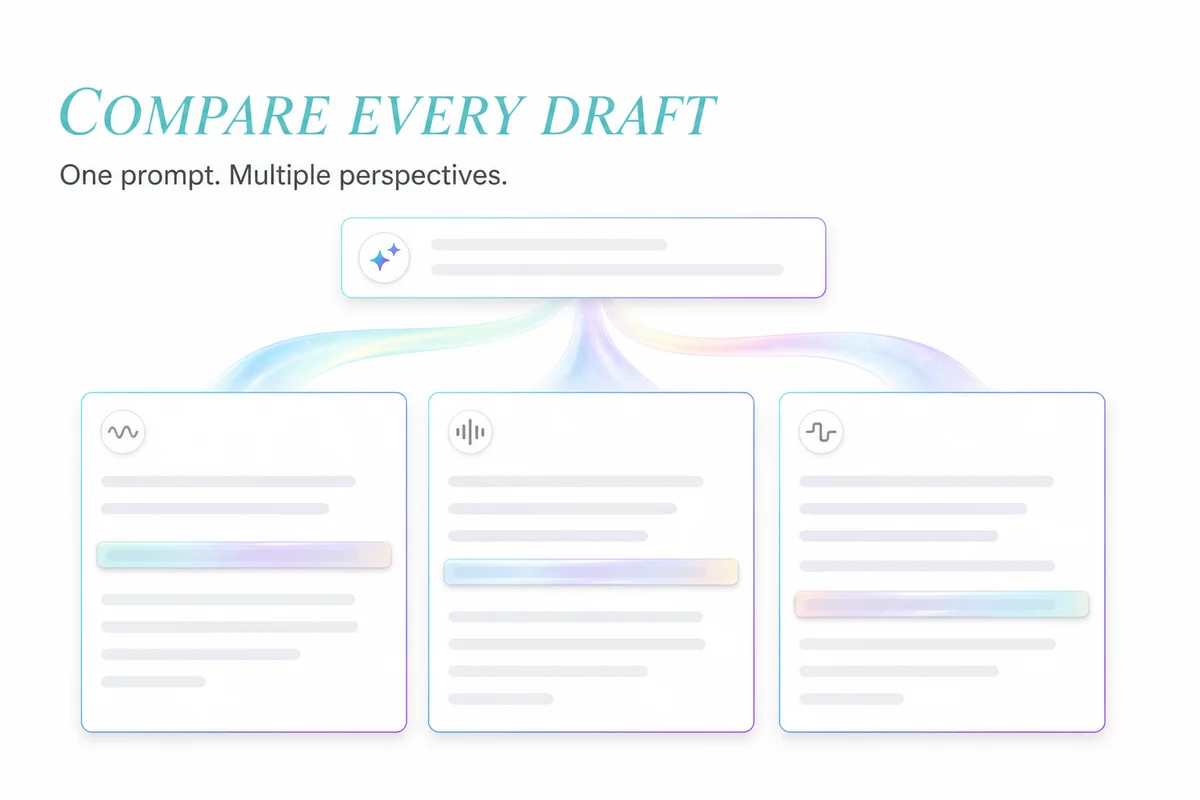
Compare Multiple AI Lyric Drafts Side by Side
Run one songwriting prompt across multiple leading models to compare rhymes, imagery, and styles.
- Flexible multi-panel layout: 1, 2, 3, 4, or 6 panels with model-by-model switching
- Side-by-side evaluation: pick the sharpest hook and most vivid imagery
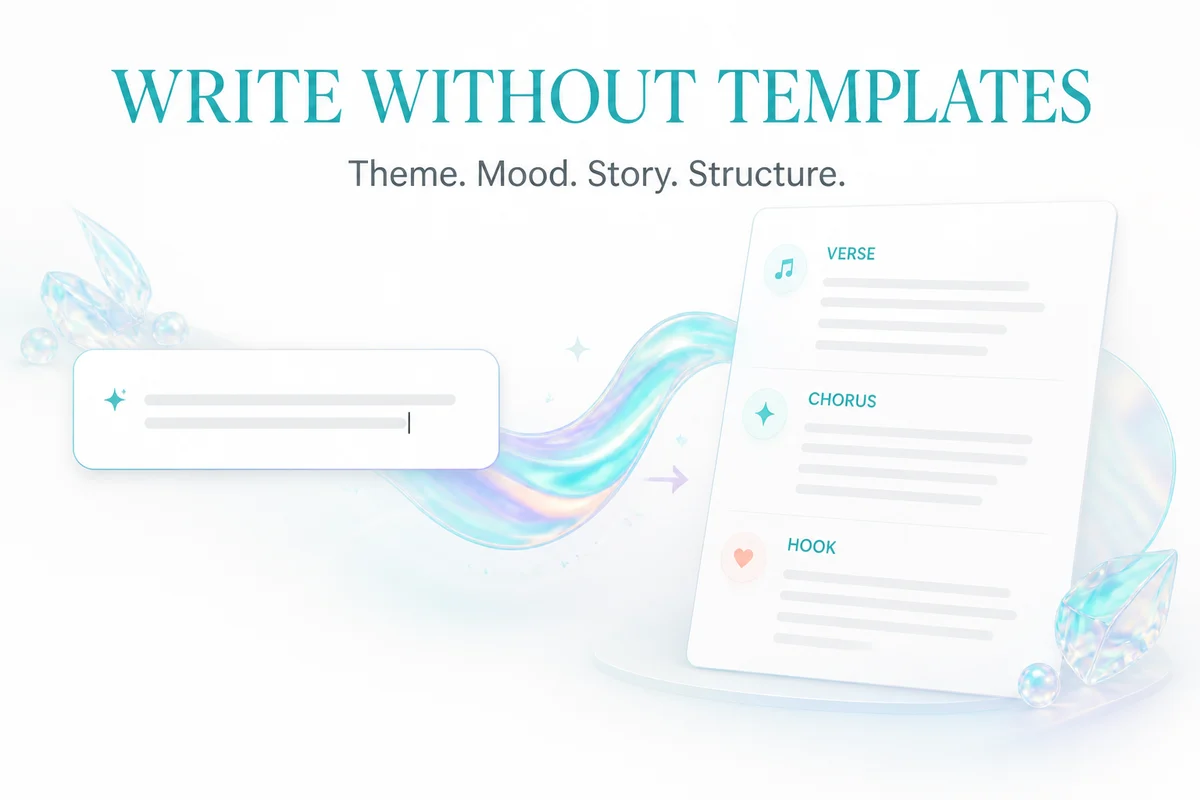
Write Song Lyrics Without Rigid Templates
Describe your story in plain language — generate structured verses, choruses, bridges, and hooks.
- Full song structure: customize verses, choruses, and genre-specific rhyme schemes
- Low-barrier start: expand a single line or emotion into a complete song lyric
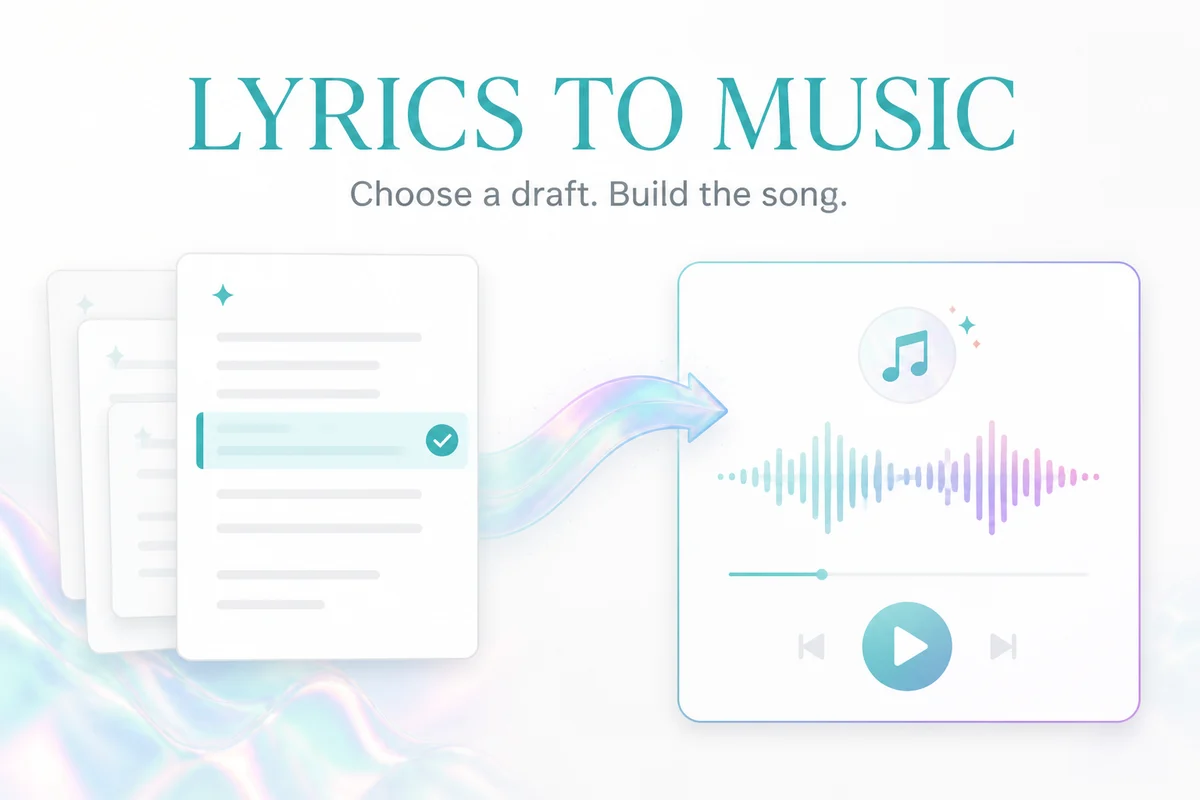
Direct Lyrics-to-Music Handoff with Saved History
Send your favorite lyric draft directly to the AI music generator in one click, with full history.
- Seamless workflow: carry selected lyrics straight into song generation without copying
- Account history: reopen past lyric sessions anytime without losing great lines
WHY MUSICLLY
Why Songwriters Use Musiclly Lyrics Studio
Move from one idea to several lyric directions without losing the drafts worth keeping.
Try it nowMulti-Model Lyric Competition
Generate simultaneous drafts from leading AI models to combine diverse perspectives and rhyme schemes.
Built Specifically for Comparison
Switch between 1 to 6 flexible panels or focus fullscreen on a single draft without tab hopping.
Direct Lyrics-to-Song Workflow
One-click transfer of chosen lyrics into the AI music generator with zero copy-pasting.
Private & Secure by Design
Your original song prompts and custom lyrics remain private and are never used for model training.
AI Lyrics Studio FAQ
Billing is based on the number of models you run simultaneously, at 1 credit per model (e.g. running 3 panels costs 3 credits). Free sign-up credits can be used directly, and failed runs are automatically refunded.
KEEP GOING
Related tools
Take a generated song straight into the next step — lyrics, stems, length or vocals.
- AI Lyrics Generator OnlineTurn a theme, story or rough idea into structured song lyrics. Choose the mood, style, song structure and language, then copy the result or send it into music generation.
- AI Music Generator OnlineTurn a written idea into an original song with melody, vocals, lyrics and instruments. Describe the sound you want or bring your own words — no production experience needed.
Write the Lyrics for Your Next Song
Run one prompt across leading AI models to compare rhymes and imagery, then send your favorite draft straight into music generation.