
How to use it
How to Extend a Song with AI
- 1
Upload or choose a track
Add an audio file from your device or choose an eligible song already saved in My Music.
- 2
Choose where to continue
Click the waveform to set the point where the existing track should lead into newly generated music.
- 3
Guide, generate and listen
Optionally add a style direction, run the extension and preview the longer version in your workspace.
WHAT IT DOES
Everything the music extender gives you
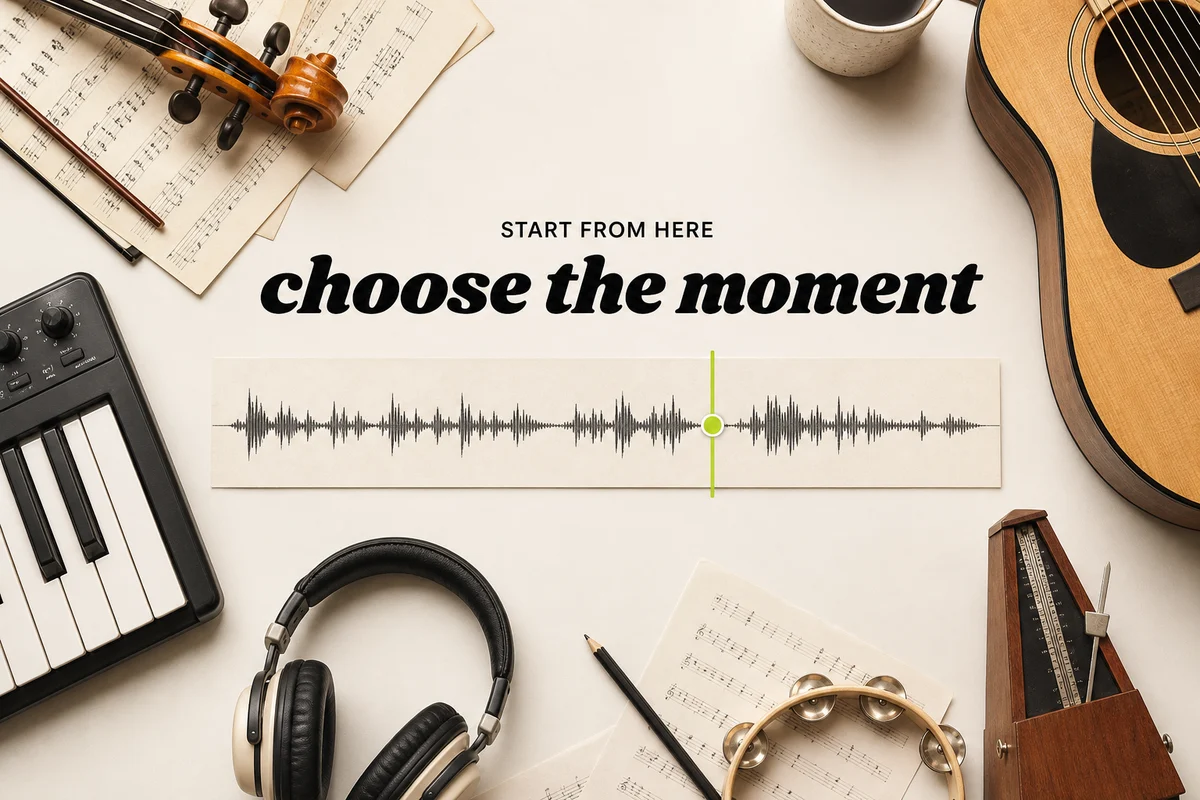
Choose Exactly Where the Music Continues
Click any point on the waveform to let AI seamlessly extend your arrangement from the perfect moment.
- Visual waveform cue: upload new tracks or pick directly from My Music
- Cohesive harmonic transition: AI preserves context from the preceding bars

Keep the Song Going in the Same Creative Direction
Lock into your track’s tempo, key, and instrumentation — or guide the new section toward new energy.
- Seamless sonic continuity: inherits BPM, vocal character, and instrument textures
- Creative steering: add prompt notes to build drops, choruses, or smooth outros
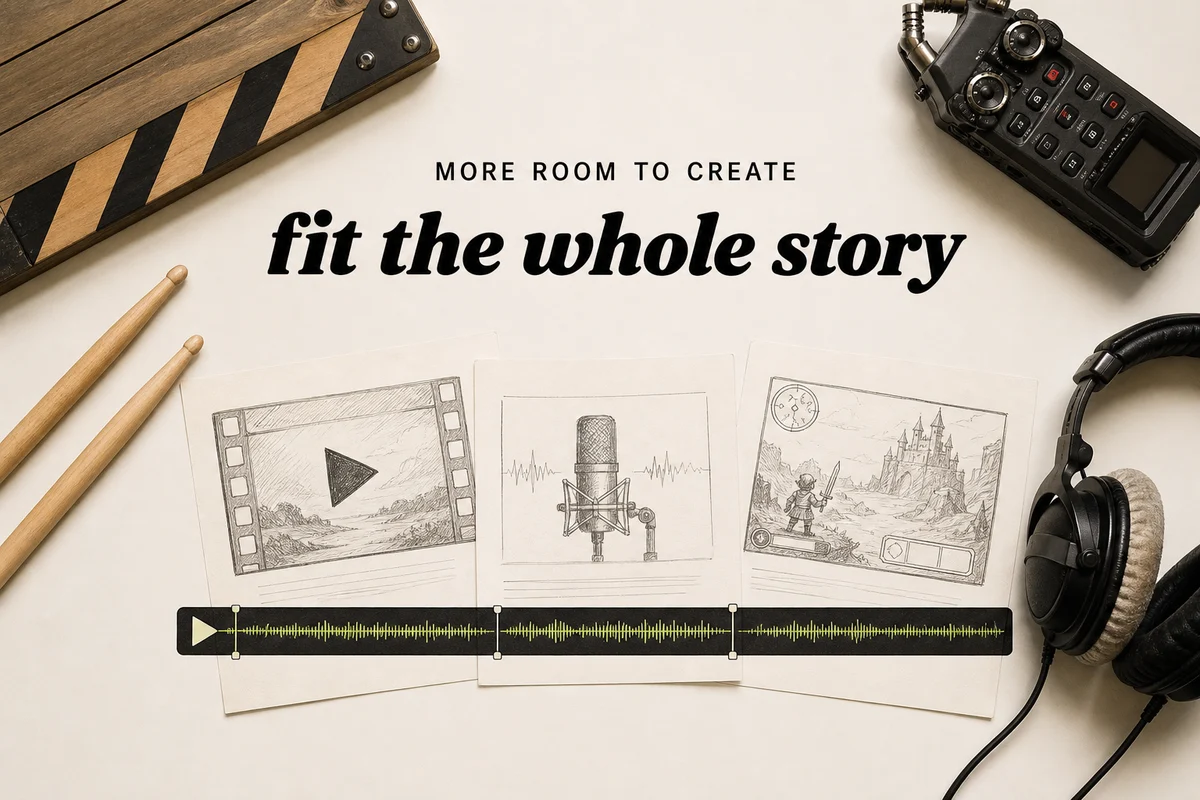
Extend Music for Videos, Podcasts, Games and Releases
Turn short ideas into full-length songs designed for video edits, podcast beds, and commercial releases.
- Project-ready duration: tailor music length to video scenes, podcasts, or games
- Broadcast-safe licensing: eligible outputs include full commercial rights
WHY MUSICLLY
Why Creators Choose Musiclly Music Extender
Choose the moment, guide the continuation and keep each generated version in one music workspace.
Try it nowA Visual Continuation Point
Choose the exact moment on the waveform instead of estimating a timestamp.
Optional Creative Direction
Follow the current sound or guide the next section toward a different mood or energy.
One Music Workspace
Preview, compare and manage generated versions alongside your other Musiclly tracks.
Private & Secure by Design
Your original audio uploads and extended music remain private and are never used for AI training.
AI Music Extender FAQ
A loop simply repeats existing audio bars. An AI music extender understands the melody, key, and progression to compose genuinely new continuation bars that develop the song naturally.
KEEP GOING
Related tools
Take a generated song straight into the next step — lyrics, stems, length or vocals.
- Lo-Fi ConverterTransform any song into a warm, vintage Lo-Fi aesthetic in seconds. 100% free in your browser with on-device DSP, vinyl dust texture, and zero uploads.
- Slowed + Reverb GeneratorTransform any song into an ethereal slowed + reverb, Daycore, or Nightcore edit in seconds. 100% free in your browser with on-device DSP, zero uploads, and no sign-up.
- Audio Pitch ChangerTranspose tracks up or down by semitones without altering the tempo. 100% on-device Web Audio DSP with instant lossless WAV export.
- AI Remix GeneratorTransform any song into high-energy club EDM, nostalgic cyberpunk synthwave, or chill lofi beats in seconds. Preserves original vocal melodies while reconstructing production.
Extend Your Next Track with AI
Click anywhere on the waveform to extend short ideas into full-length songs with broadcast-ready commercial licensing.